 Documentation v0.10
Load a model
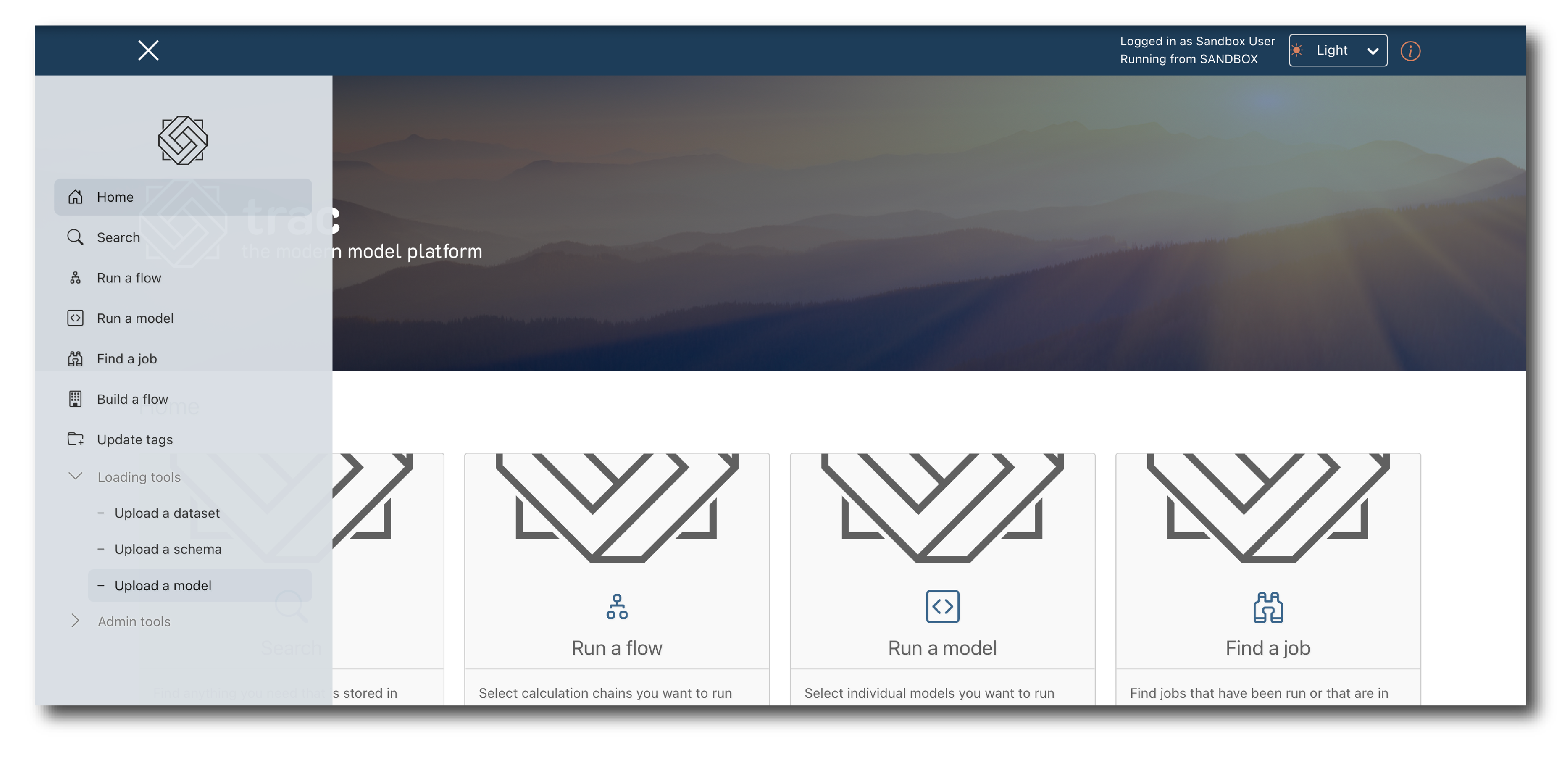
From the home page or the drop-down menu, select ‘Loading tools > Upload a model’.
trac imports models directly from version control. Click ‘Authorise’ to connect your GitHub account via OAuth. You will be prompted to grant access to the repositories you want to use.
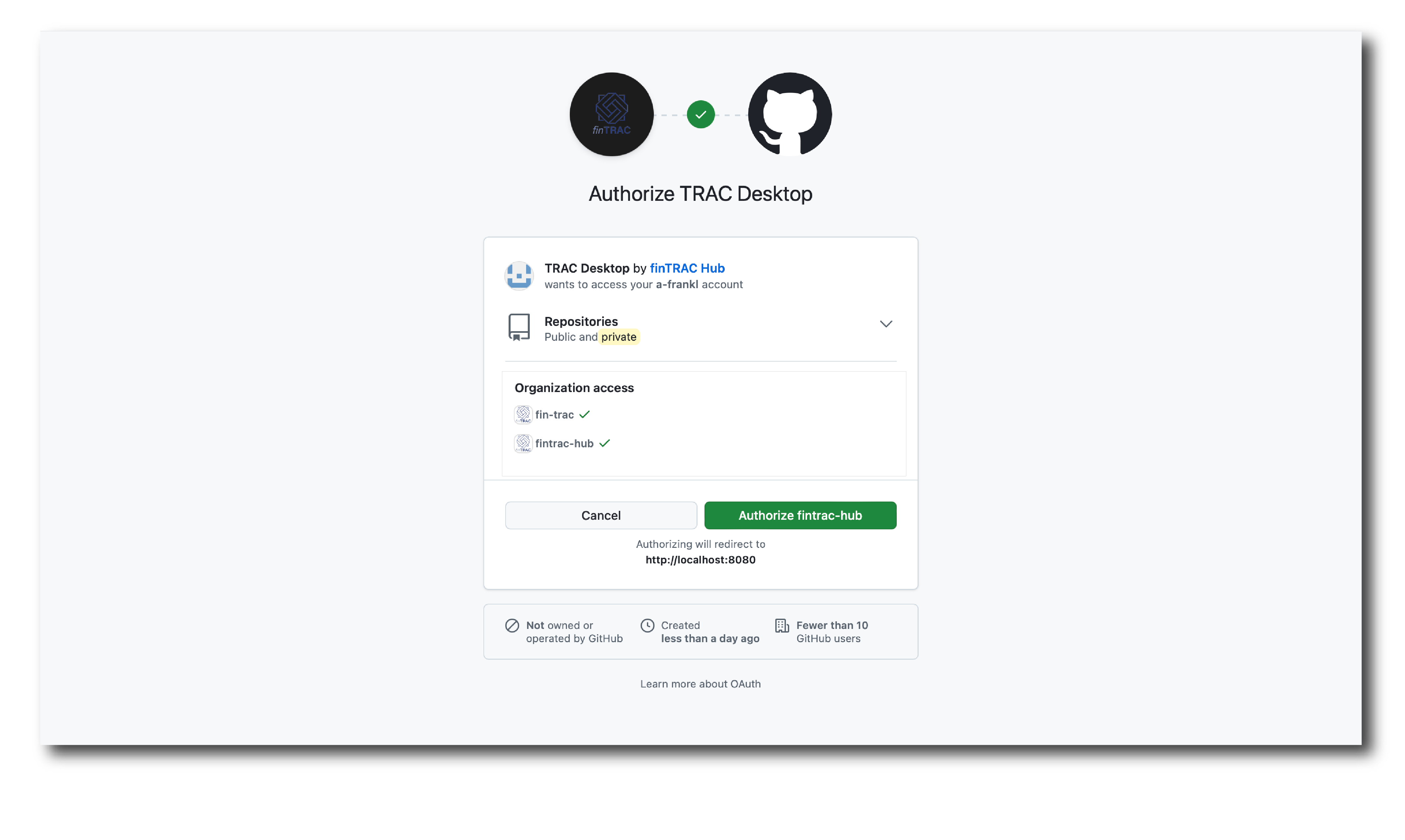
Note
If you miss an organisation during authorisation it can be added later. Find the trac Desktop application in the Authorized OAuth Apps section of your GitHub settings and edit the permissions there.
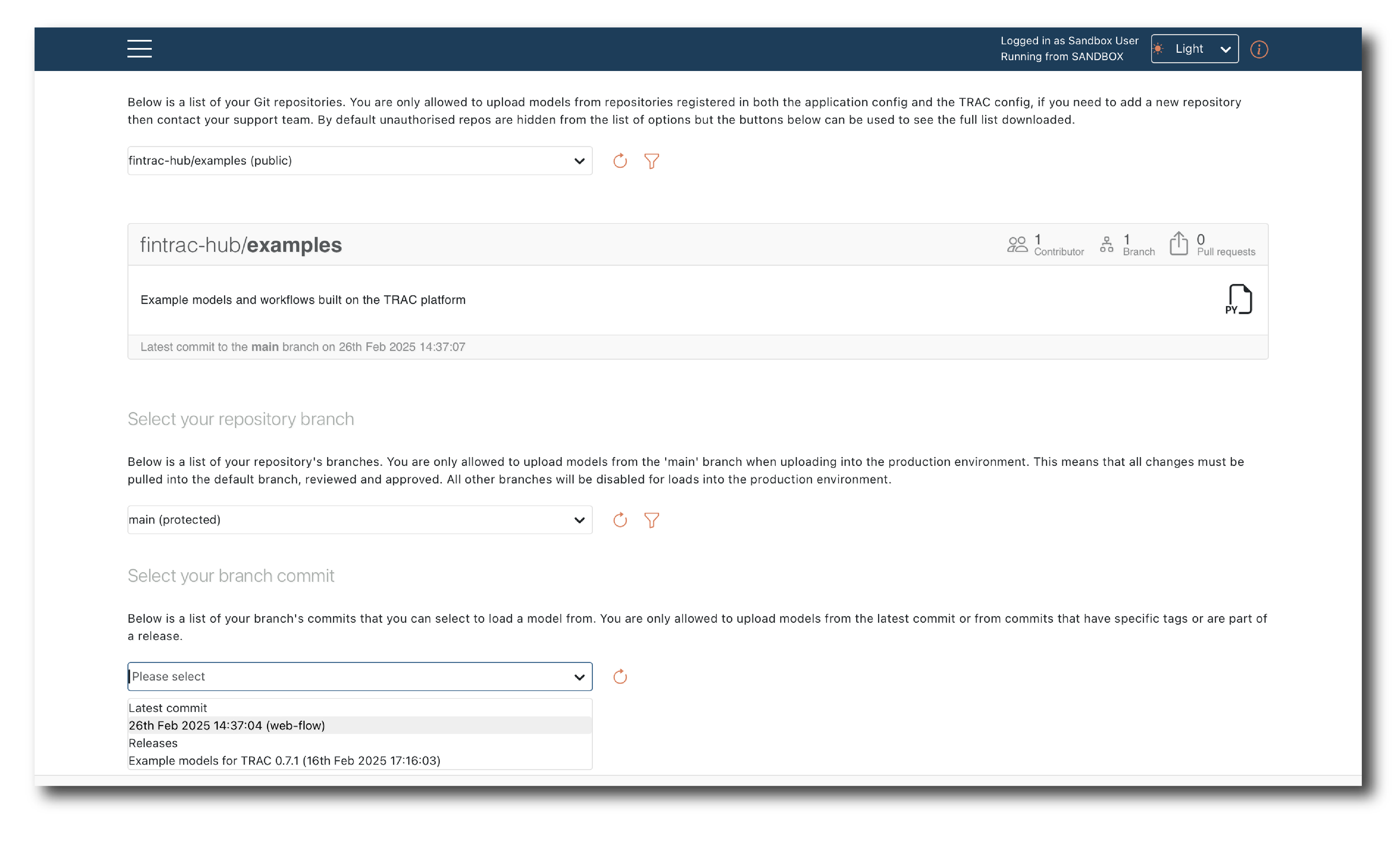
Select the ‘fintrac-hub/examples’ repository, then choose ‘main’ branch and ‘latest commit’ from the next two drop-downs.
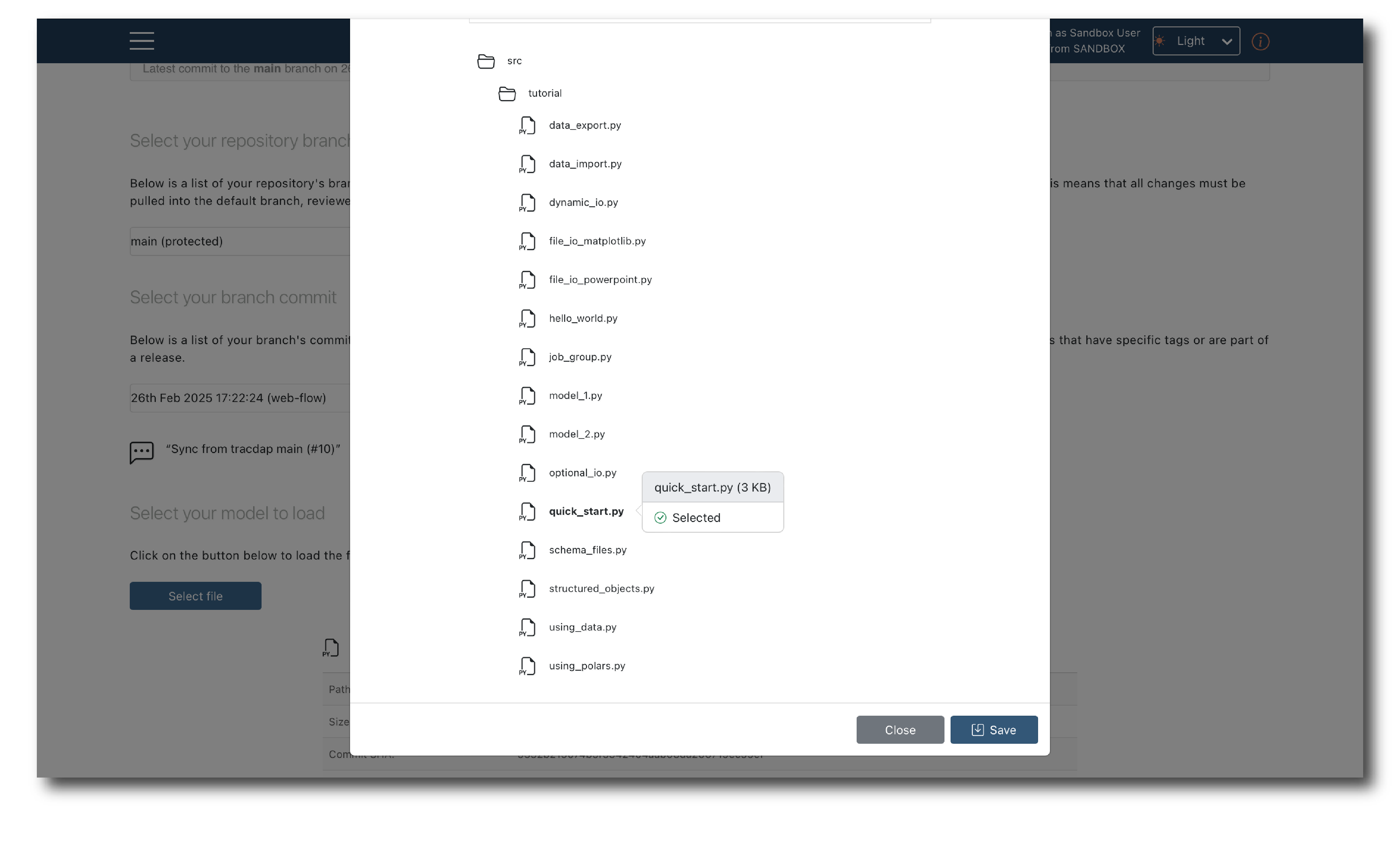
Click ‘Select file’ and expand the folder structure. Select the ‘quick_start’ model and click ‘Save’.
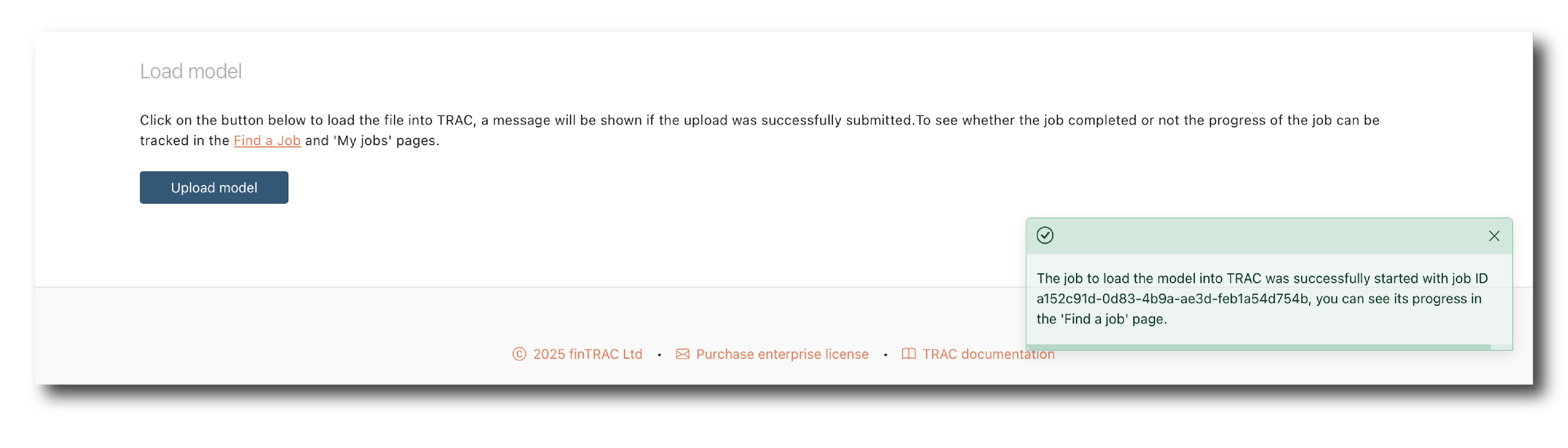
Click ‘Upload model’. A confirmation message will appear once the upload has started.
Note
Normally you would assign attribute tags (Key, Name, Description) before completing the upload. For this example they have been pre-loaded.