 Documentation v0.10
Re-run a job
At the bottom of the summary page for all RunModel and RunFlow jobs is a ‘Re-run’ button.
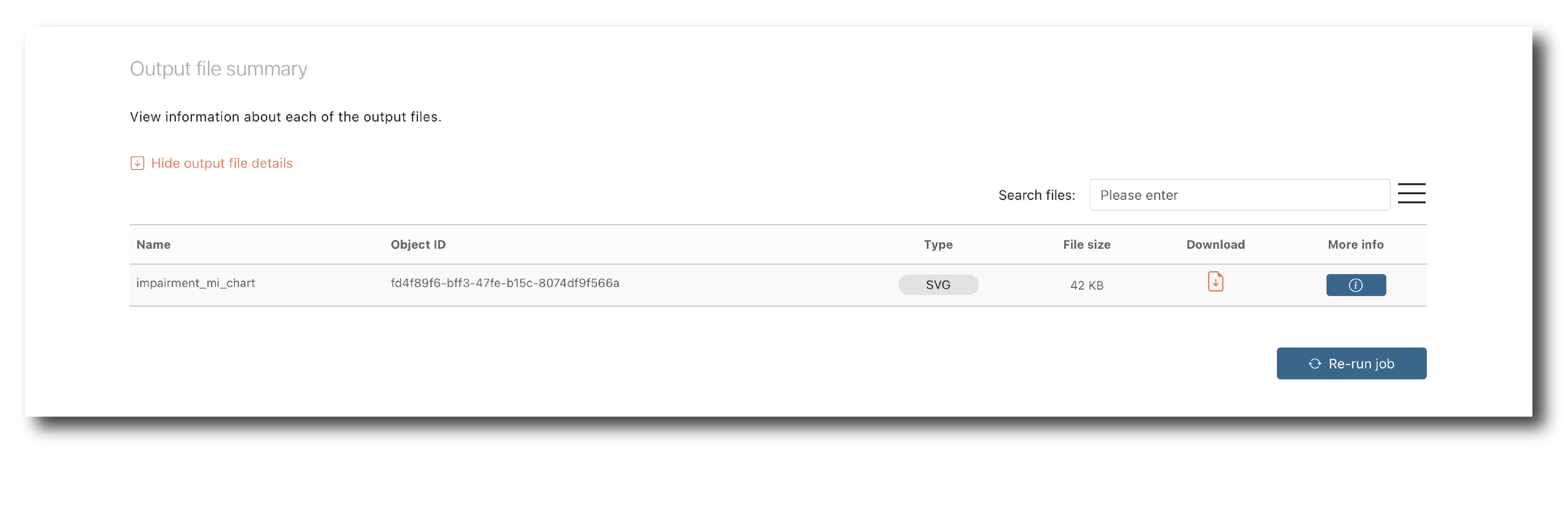
Clicking this button sets up a new job with exactly the same configuration.
If you submit this job it will be executed with a new object ID but will return the same results as the first job, guaranteed.
You can also adjust the configuration and submit it.
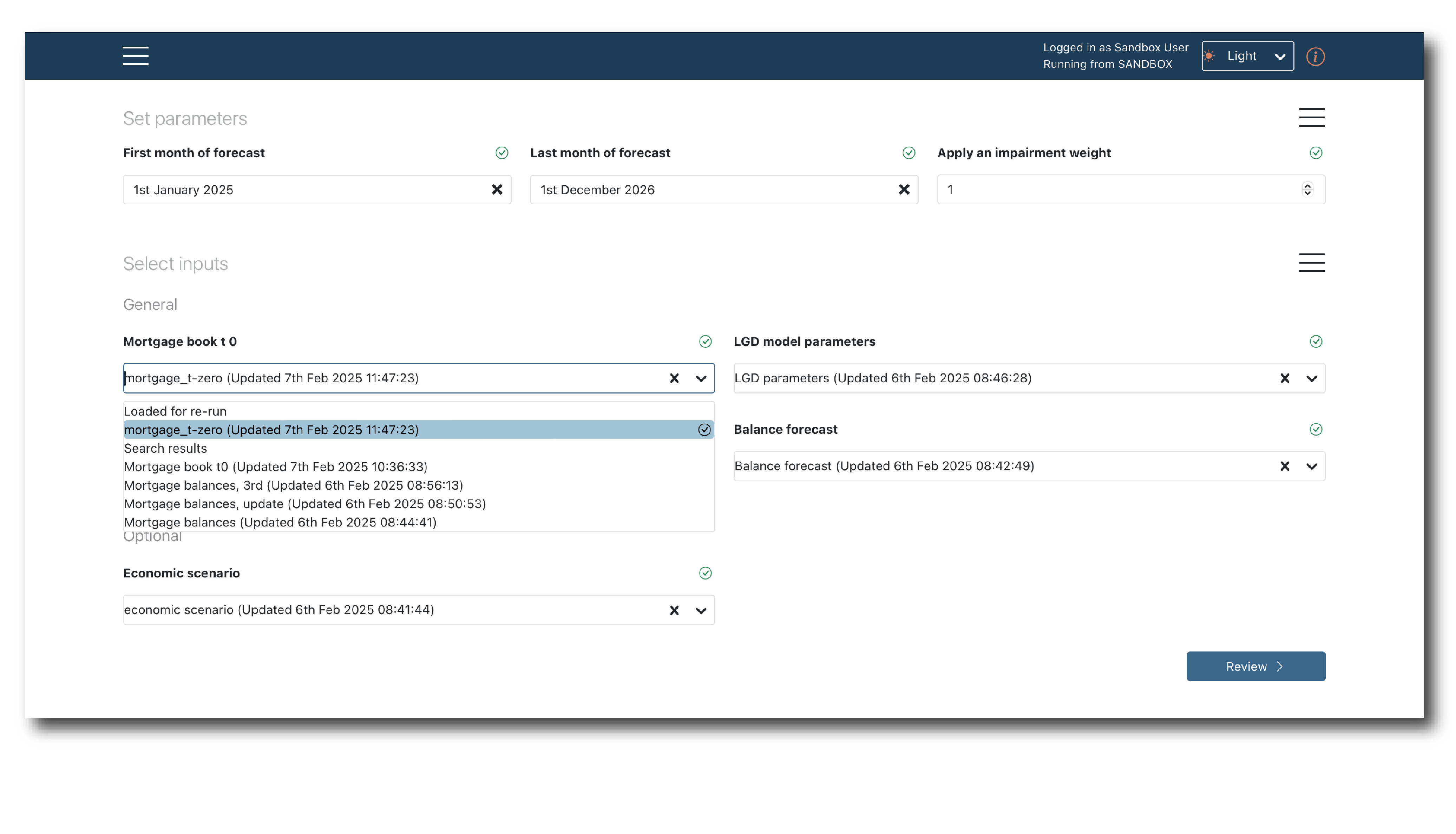
This ‘tweak and repeat’ mechanism allows you to iteratively work towards an approved run, or quickly perform sensitivity, champion-challenger and other forms of ‘what-if’ analysis.