 Documentation v0.10
Publish output data
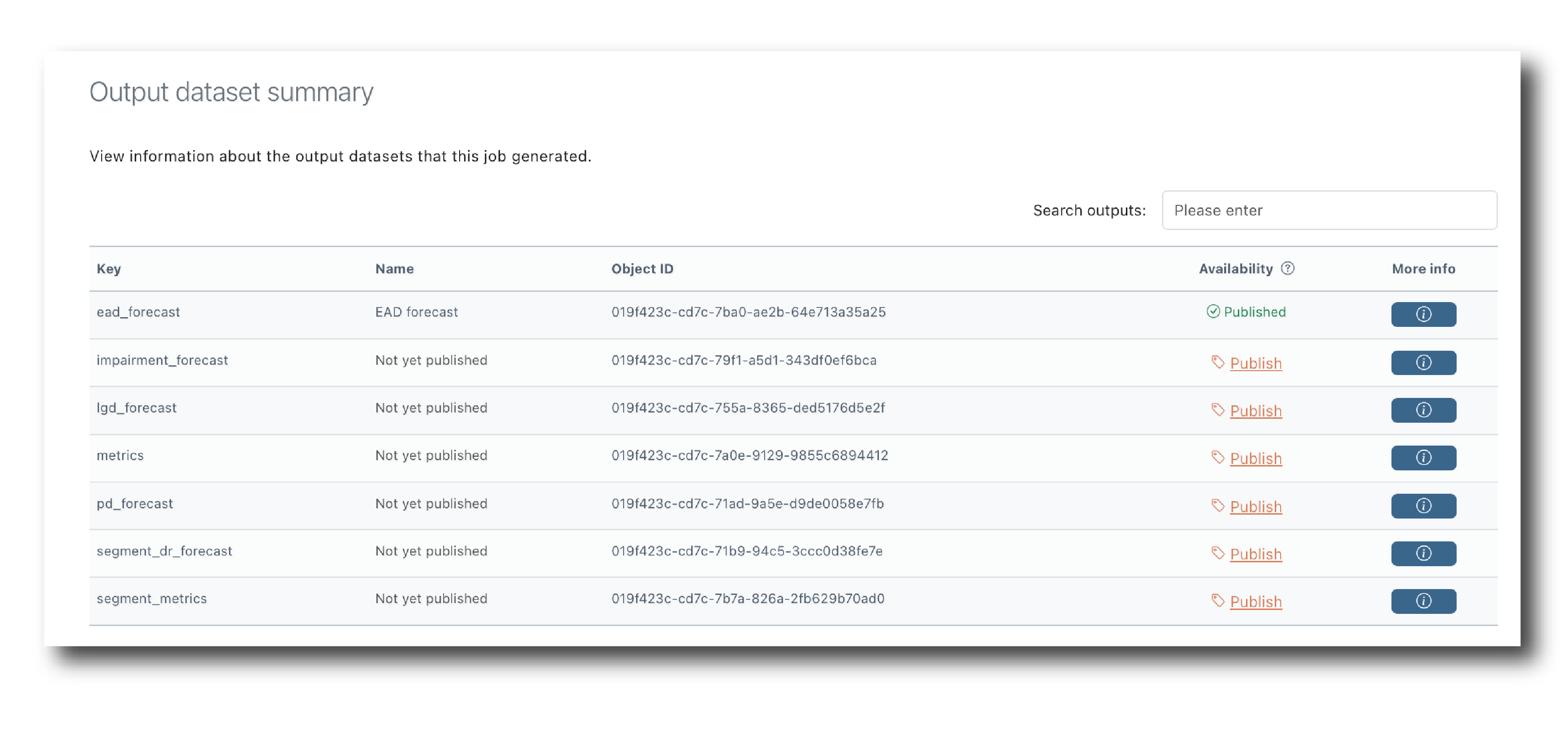
By default, datasets generated by RunModel or RunFlow jobs are not visible in search results and are not available to select as inputs into other RunModel or RunFlow jobs. To make them available you need to publish them.
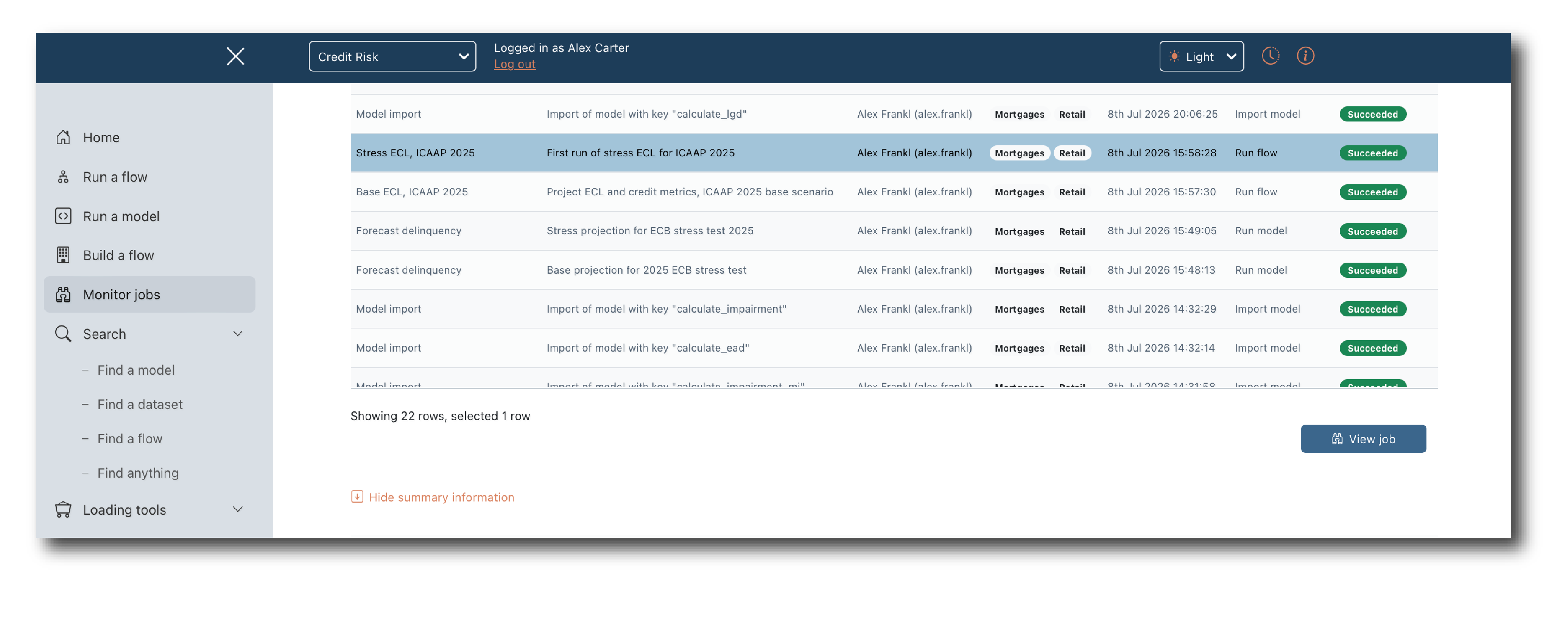
First, find the summary page for the job that generated the data
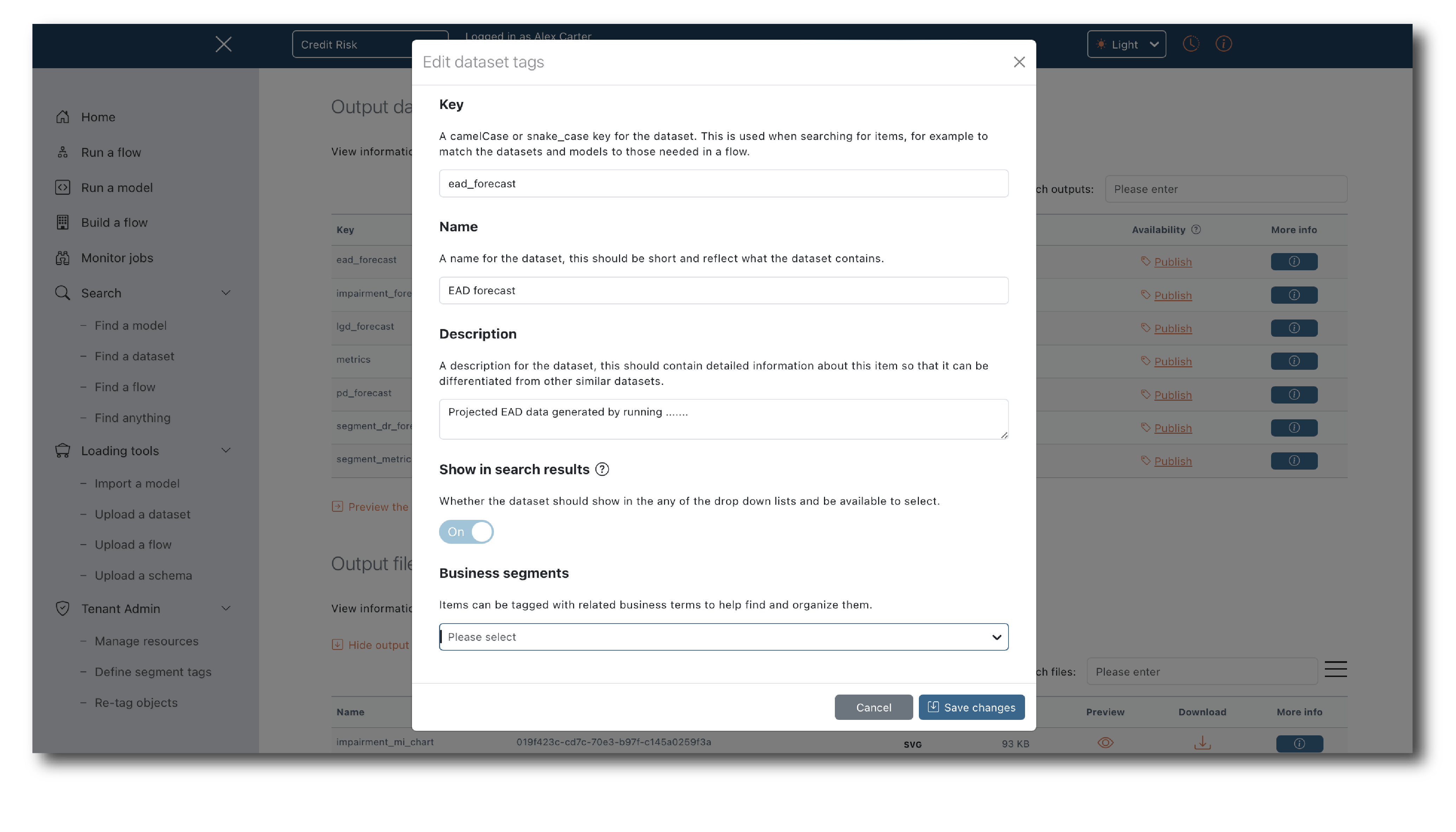
Then, find the output datasets that you are interested in and click the ‘Publish’ link. In the modal assign the Tags that you want to use and switch the toggle to make the object appear in search results.
Once the tag update has completed the object will be shown as ‘published’ and will be available in all search pages, including the data selectors on RunModel and RunFlow jobs.