 Documentation v0.10
Publish schema
A schema can be generated from a model object instead of uploading it as a file.
First, navigate to a model summary page, for a model with a data input or output that uses the schema you want to create.
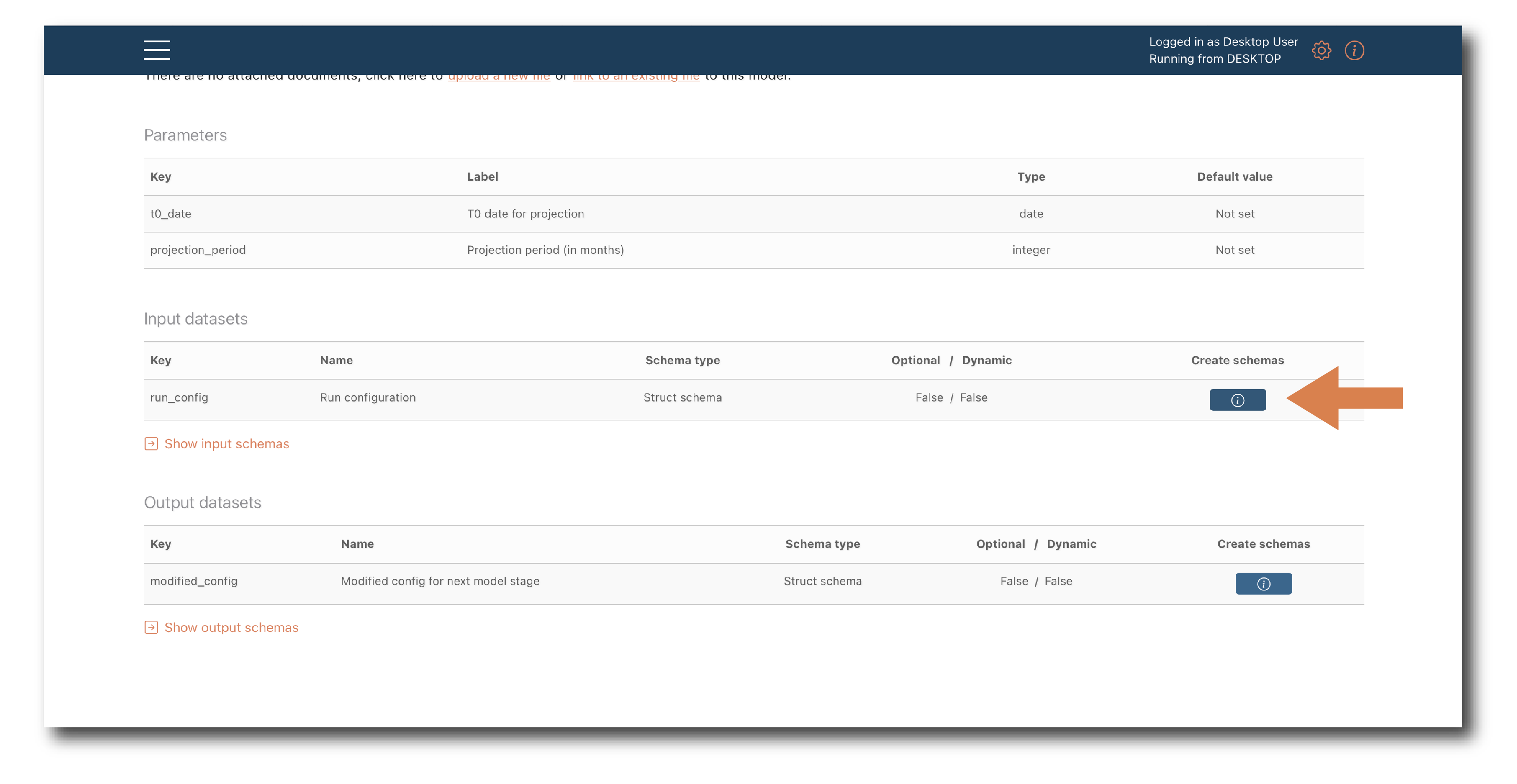
Click ‘Create schema’ and use the pop-up to name and tag the new schema object.
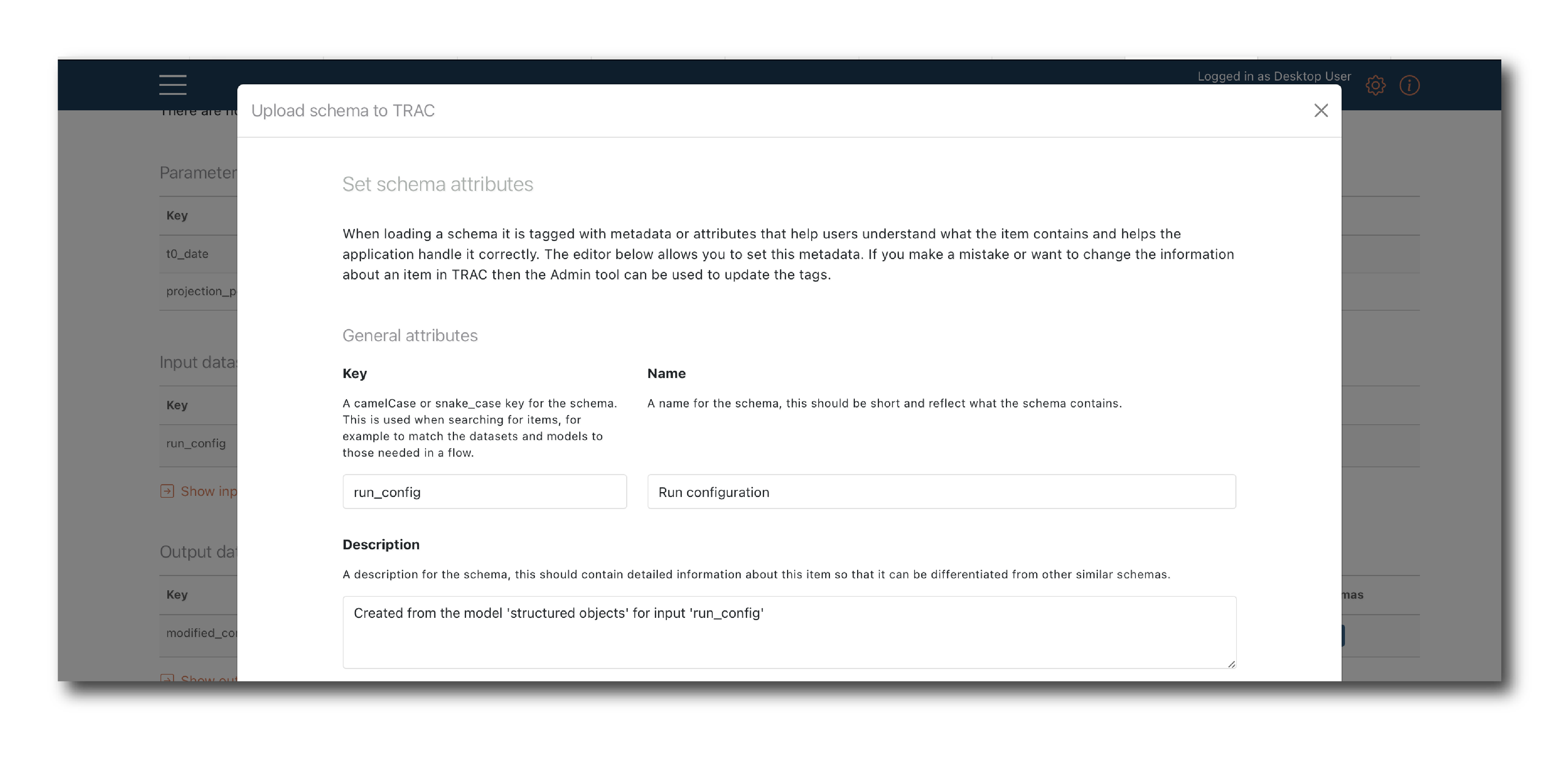
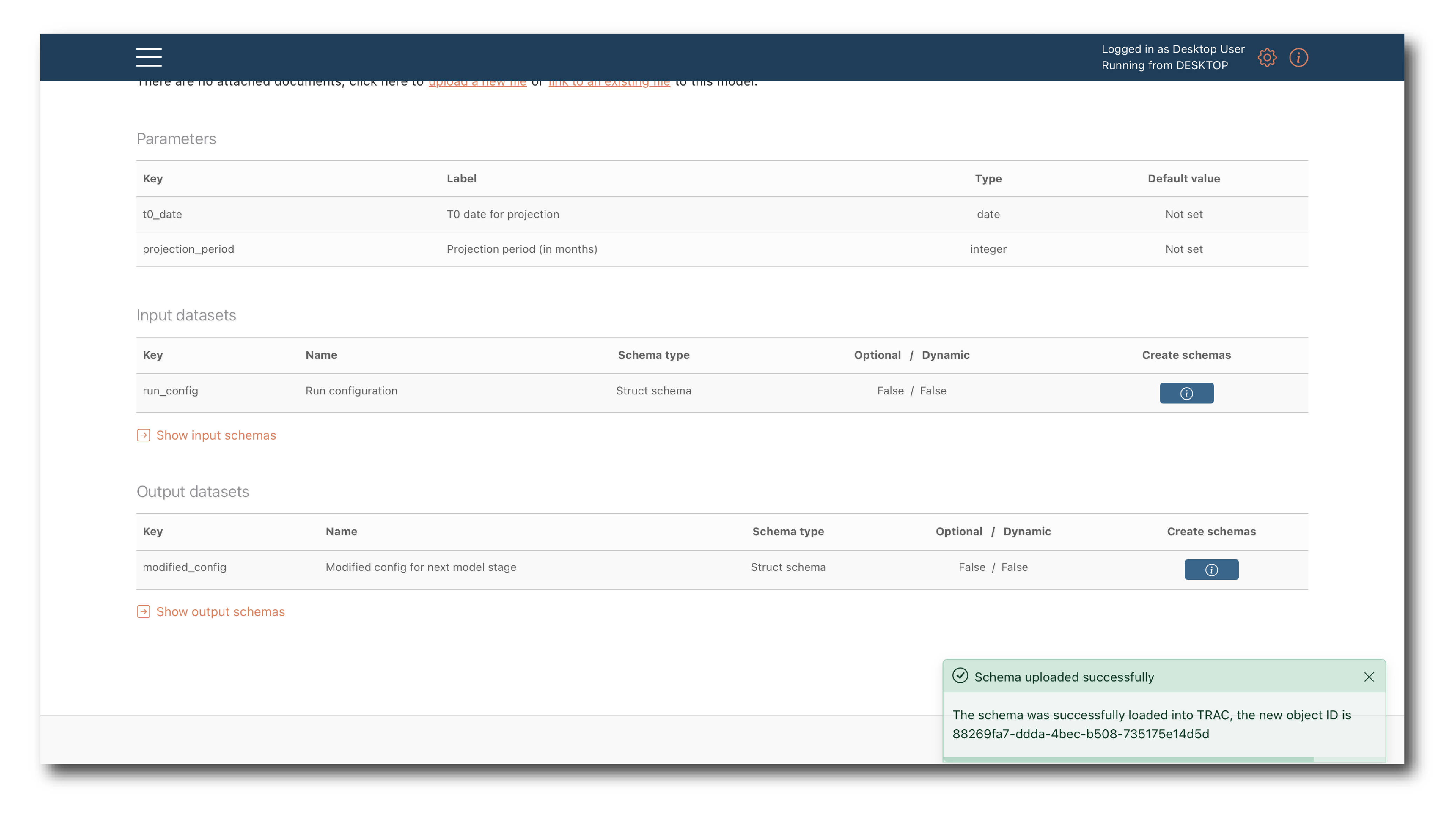
Click ‘Upload’ to create the schema object or ‘Close’ to exit the process.
Note
The schema will correspond exactly to what’s defined in the model code - you can’t edit before saving.